
Discord Error 2012 is one of the most frustrating video-related issues users encounter. It typically appears as a "Video Viewer Timeout" message, often showing a black screen, infinite loading spinner, or error code 2012 when someone tries to view your camera feed, screen share, or video stream — even though you can see your own preview and audio works fine. This error is usually not a simple camera hardware problem.
Close Discord completely
Restart your router/modem (unplug for 30 seconds)
Restart your computer/phone
Reopen Discord and test video in a private call
Test the reverse direction
Ask the other person to turn on their camera
If they get Error 2012 when viewing your feed but you see theirs fine, the issue is almost certainly on your sending side (encoding/network). If both sides fail, it's likely network or Discord side
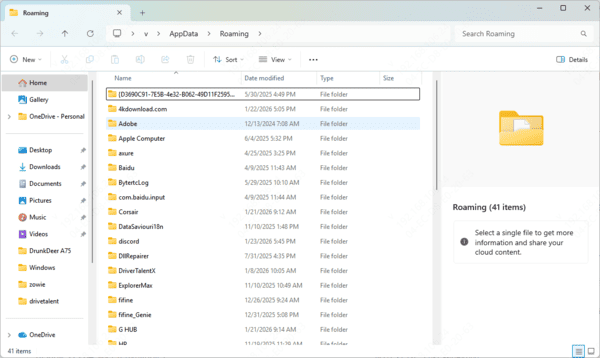
Delete cache and data
Delete Discord's local cache & dataThis clears corrupted stream negotiation files — many users report instant resolution.
Press Win+R → type %appdata% → Enter
Delete the entire Discord folder (or move it to desktop as backup)
Also delete %localappdata%\Discord if present
Relaunch Discord → it will redownload fresh data and log you in
Toggle Hardware Acceleration & Video Codecs
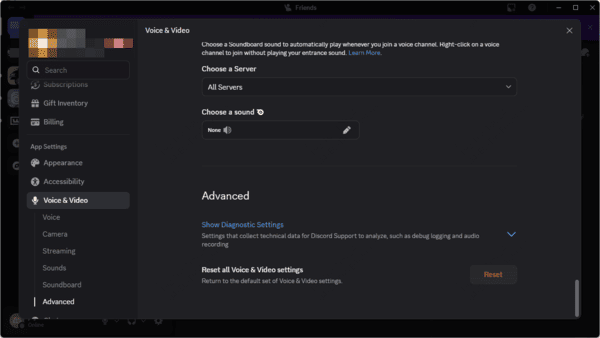
In Discord → User Settings (gear icon) → Voice & Video
Turn Hardware Acceleration OFF (or ON if it was off)
Under Advanced → try switching Video Codec preferences (enable/disable H.264, AV1 if available)
Test 720p/30fps instead of higher settings
Restart Discord after each change
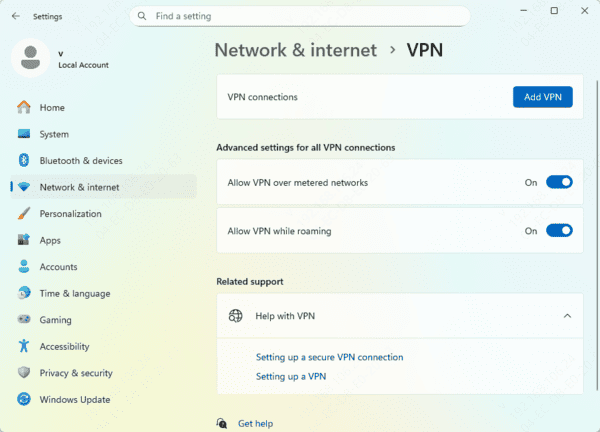
Disable VPN, Proxy, or Accelerator
VPNs are one of the #1 culprits for Error 2012 timeouts
Turn off any VPN, gaming accelerator (UU, ExitLag, etc.), or proxy
Test again. Many users fix it instantly by disabling
Network Setting
Right-click Start → Device Manager → Network adapters
Right-click your Realtek device → Properties → Advanced tab
Find and disable these (set to Disabled):
Energy Efficient Ethernet
Green Ethernet
EEE (Energy Efficient Ethernet)
Flow Control (sometimes)
Click OK → restart PC and Discord
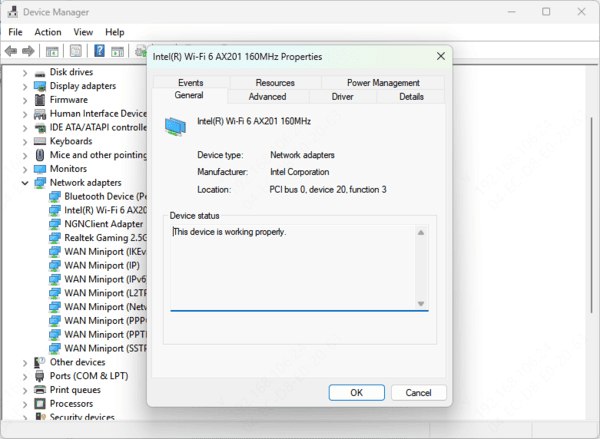
Update Ethernet Drivers
Outdated Ethernet drivers can lead to poor internet performance, connection drops, or even the inability to connect to a network that causes discord camera connection issue
Regularly checking and updating your Ethernet drivers is essential for maintaining a stable and fast internet connection
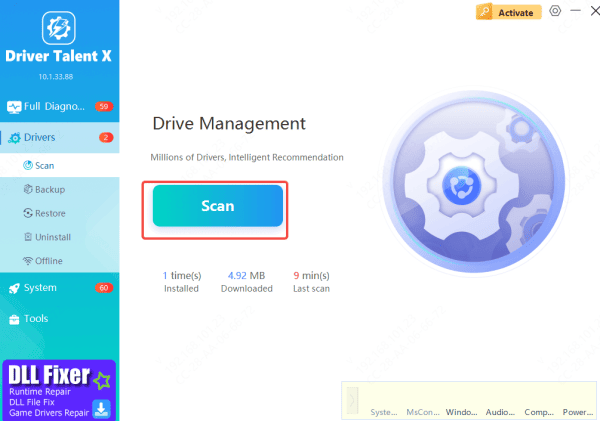
Instead of manually searching for updates, you can use Driver Talent X to simplify the process
This tool automatically detects any outdated or missing drivers on your system, including Ethernet drivers
With just a few clicks, Driver Talent X will update your drivers quickly and hassle-free, ensuring your network connection is reliable and performing at its best
Try Discord PTB or Canary (Test/Beta versions)
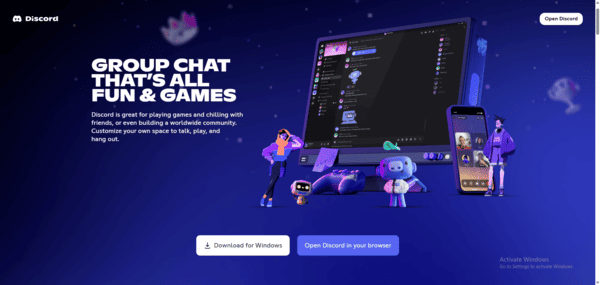
Download from discord.com → scroll to Public Test Build (PTB) or Canary
Install side-by-side with stable version
Log in and test video — beta branches often receive video fixes weeks earlier
Browser Version Test
Open discord.com/login in Chrome/Edge/Firefox (incognito mode)
Join the same voice channel and enable camera
If it works in browser but not desktop app → the issue is app-specific (reinstall or stick to browser temporarily)
Advanced / Last Resort Steps
Disable IPv6
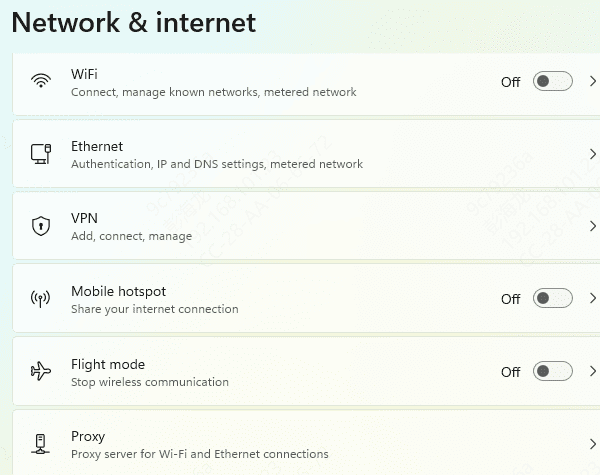
Windows: Network & Internet Settings → Adapter options → right-click your connection → Properties → uncheck IPv6 → OK
Many streaming timeout errors (including 2012) resolve after this
Check Permissions & Camera Driver
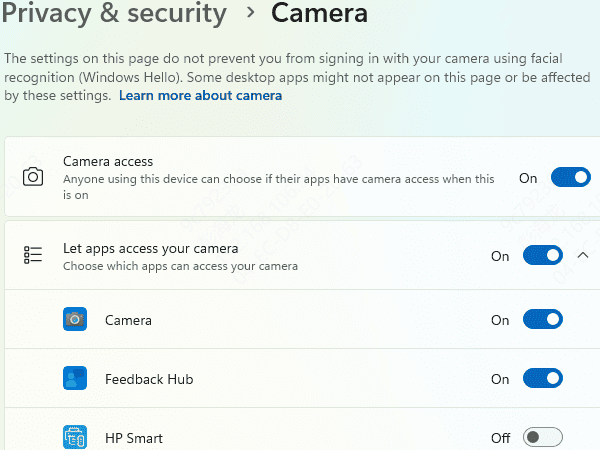
Windows: Settings → Privacy & security → Camera → ensure Discord is allowed
Device Manager → Cameras → update driver or uninstall/replug USB cam
Quick Summary
Test after each step in a 1-on-1 call. Good luck — most users get discord camera working again within 10–30 minutes using these.









